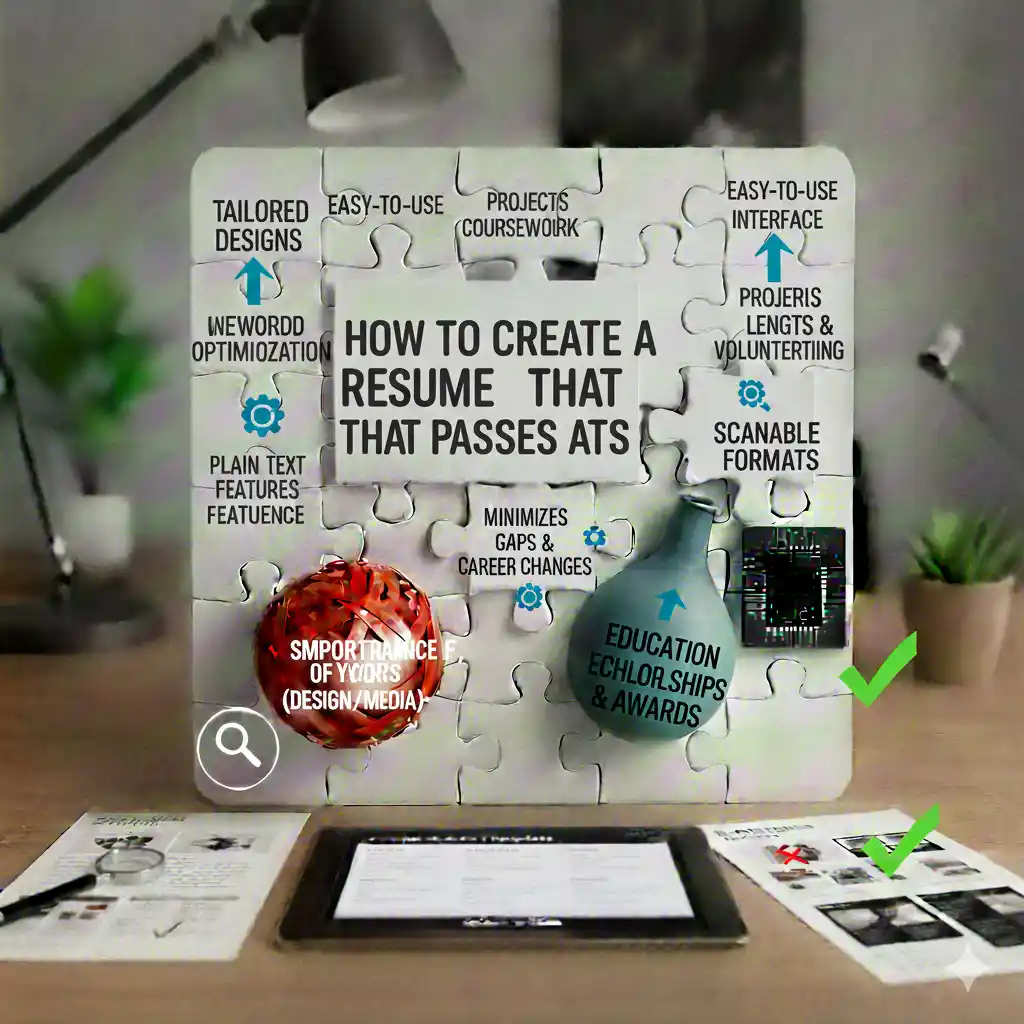
What is an ATS (Applicant Tracking System)?
An Applicant Tracking System (ATS) is software used by employers to manage and filter job applications. Over 98% of Fortune 500 companies use ATS systems, and even smaller companies are adopting this technology. When you submit your resume online, it often goes through an ATS before a human recruiter ever sees it.
These systems scan your resume for keywords, skills, experience, and qualifications that match the job description. If your resume doesn't pass the ATS screening, it may never reach a human recruiter, regardless of how qualified you are.
Why ATS-Friendly Resumes Matter
Creating an ATS-friendly resume is crucial in today's job market. Here's why:
- First Line of Defense: Your resume must pass the ATS before a human sees it
- Keyword Matching: ATS systems rank candidates based on keyword relevance
- Format Compatibility: Complex formatting can break ATS parsing
- Competitive Advantage: Most candidates don't optimize for ATS, giving you an edge
Key Elements of an ATS-Friendly Resume
1. Simple, Clean Formatting
ATS systems struggle with complex layouts, graphics, and tables. Use a simple, clean format with:
- Standard fonts (Arial, Calibri, Times New Roman)
- Clear section headings (Experience, Education, Skills)
- Bullet points instead of tables
- Standard date formats (MM/YYYY or Month YYYY)
- No headers, footers, or text boxes
2. Keyword Optimization
Include relevant keywords from the job description naturally throughout your resume:
- Job titles and skills mentioned in the posting
- Industry-specific terminology
- Software and tools required
- Certifications and qualifications
Use our free resume builder with ATS-optimized templates to ensure proper keyword placement.
3. Standard Section Headings
Use conventional section names that ATS systems recognize:
- Professional Summary or Summary
- Work Experience or Experience
- Education
- Skills
- Certifications
Avoid creative headings like "Where I've Been" or "My Journey" - ATS systems may not recognize them.
4. File Format Matters
When submitting your resume:
- PDF is preferred - Maintains formatting across devices
- Ensure the PDF is text-based, not scanned
- Some ATS systems prefer .docx format - check job posting requirements
- Always test your resume by copying text to ensure it's readable
Common ATS Mistakes to Avoid
1. Using Graphics and Images
While visual resumes look impressive, ATS systems can't read images, charts, or graphics. Avoid:
- Logo designs
- Progress bars for skills
- Infographics
- Decorative elements
2. Complex Tables and Columns
Multi-column layouts and tables can confuse ATS parsers. Stick to a single-column format with clear sections.
3. Unusual File Names
Use a professional file name format:
- ✅ Good: "JohnSmith_Resume_2026.pdf"
- ❌ Bad: "Resume_Final_Final_v3_Updated.pdf"
4. Missing Contact Information
Ensure your contact information is in standard format at the top of your resume:
- Full name
- Phone number
- Email address
- Location (City, State)
- LinkedIn profile (optional but recommended)
How to Test Your Resume for ATS Compatibility
Before submitting your resume, test it for ATS compatibility:
- Copy and Paste Test: Copy your resume content into a plain text editor. If formatting is lost or text appears jumbled, the ATS may have trouble reading it.
- Keyword Check: Compare your resume against the job description. Ensure you've included relevant keywords naturally throughout.
- Format Check: Use our ATS-friendly resume templates which are pre-optimized for applicant tracking systems.
- Online Tools: Use free ATS resume checkers to identify potential issues.
Best Practices for ATS Optimization
1. Tailor Your Resume for Each Job
Customize your resume for each position by:
- Including keywords from the job description
- Highlighting relevant experience
- Adjusting your professional summary
- Emphasizing matching skills
2. Use Action Verbs
Start bullet points with strong action verbs:
- Managed, Developed, Implemented, Created, Improved
- Avoid passive language
- Quantify achievements with numbers
3. Include Relevant Skills
Create a dedicated Skills section with:
- Technical skills mentioned in job postings
- Software and tools you're proficient in
- Industry-specific competencies
Using Our ATS-Friendly Resume Builder
Our free resume builder offers ATS-optimized templates designed specifically to pass applicant tracking systems. Here's what makes our templates ATS-friendly:
- ✅ Simple, clean formatting
- ✅ Standard section headings
- ✅ Proper keyword placement
- ✅ Text-based PDF output
- ✅ Mobile-responsive design
All our free resume templates are tested for ATS compatibility, ensuring your resume reaches human recruiters.
Conclusion
Creating an ATS-friendly resume is essential in today's digital job market. By following these guidelines and using our ATS-optimized resume templates, you can significantly increase your chances of passing the initial screening and landing an interview.
Remember: Your resume needs to impress both the ATS system and the human recruiter. Start with ATS optimization, then ensure your content is compelling and well-written.
Ready to create your ATS-friendly resume? Browse our free resume templates and start building your career today. No credit card required.
For more information about our resume builder pricing and premium features, visit our pricing page.