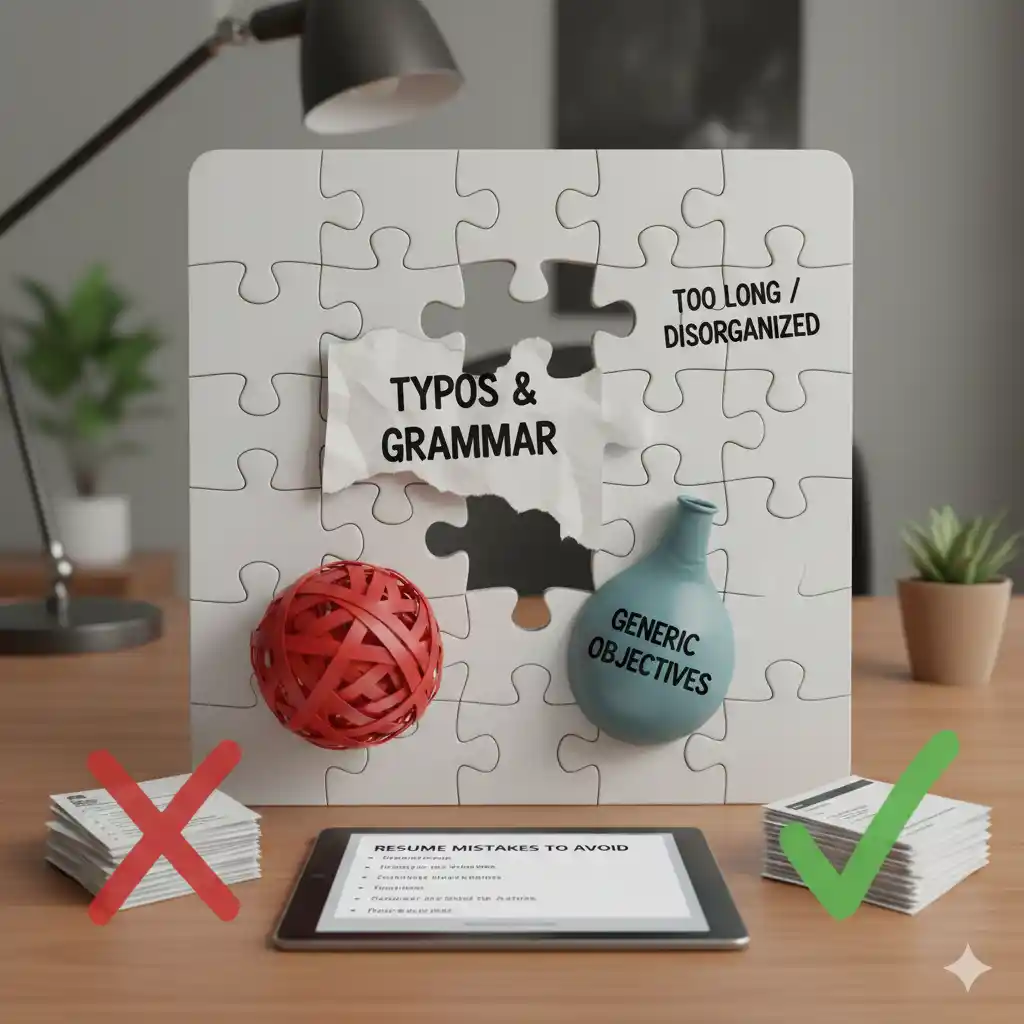
Introduction: Why Resume Mistakes Matter
Your resume is often your first impression with potential employers. A single mistake can cost you an interview opportunity, even if you're highly qualified. In this comprehensive guide, we'll cover the most common resume mistakes and how to avoid them.
By learning from these common errors and using our free resume builder, you can create a professional resume that stands out for the right reasons.
Critical Resume Mistakes That Cost You Interviews
1. Typos and Grammatical Errors
Why It Matters: Typos and grammar mistakes signal carelessness and lack of attention to detail - qualities no employer wants.
Common Errors:
- Spelling mistakes in your own name or email
- Incorrect company names or job titles
- Grammar errors in bullet points
- Inconsistent verb tenses
How to Avoid:
- Use spell check, but don't rely on it alone
- Read your resume aloud to catch errors
- Have someone else proofread it
- Check for consistency in formatting and style
2. Using an Unprofessional Email Address
Why It Matters: Your email address is part of your professional brand.
Bad Examples:
- ❌ "partygirl123@email.com"
- ❌ "coolguy99@email.com"
- ❌ "ilovecats@email.com"
Good Examples:
- ✅ "firstname.lastname@email.com"
- ✅ "firstname.lastname.year@email.com"
- ✅ Professional and simple
3. Including Irrelevant Information
Why It Matters: Irrelevant information clutters your resume and dilutes your message.
What to Remove:
- High school information (unless you're a recent graduate)
- Personal information (age, marital status, photo)
- Hobbies unrelated to the job
- References (provide when asked)
- Salary history or expectations
4. Using a Generic Resume for All Applications
Why It Matters: Generic resumes don't show why you're a good fit for the specific role.
How to Fix:
- Customize your resume for each application
- Include keywords from the job description
- Emphasize relevant experience
- Adjust your professional summary
5. Poor Formatting and Design
Why It Matters: Poor formatting makes your resume hard to read and can break ATS systems.
Common Formatting Mistakes:
- Inconsistent fonts and sizes
- Too much or too little white space
- Complex layouts that confuse ATS
- Unreadable fonts or colors
Solution: Use our professionally designed resume templates that are both ATS-friendly and visually appealing.
6. Including Outdated Information
Why It Matters: Outdated information can make you seem out of touch.
What to Update:
- Remove "References available upon request" (obvious)
- Update your contact information
- Remove outdated skills or technologies
- Update your LinkedIn profile URL
7. Focusing on Duties Instead of Achievements
Why It Matters: Employers want to know what you accomplished, not just what you were supposed to do.
Bad Example:
- ❌ "Responsible for managing social media accounts"
Good Example:
- ✅ "Increased social media engagement by 45% through strategic content planning and community management"
How to Improve:
- Use action verbs (Managed, Developed, Increased)
- Include numbers and metrics
- Show impact and results
- Quantify achievements when possible
8. Making Your Resume Too Long or Too Short
Why It Matters: Length guidelines exist for a reason - recruiters have limited time.
Guidelines:
- Entry-Level: 1 page
- Mid-Level (5-10 years): 1-2 pages
- Senior-Level (10+ years): 2-3 pages
- Academic/CV: Can be longer
Common Mistakes:
- Including every job you've ever had
- Listing every skill or certification
- Including irrelevant experience
9. Not Optimizing for ATS Systems
Why It Matters: Over 98% of Fortune 500 companies use ATS systems. If your resume doesn't pass, a human never sees it.
Common ATS Mistakes:
- Using graphics, charts, or images
- Complex tables and columns
- Unusual fonts or formatting
- Missing keywords from job descriptions
- Using non-standard section headings
Solution: Use our ATS-friendly resume templates that are pre-optimized for applicant tracking systems.
10. Including Personal Information
Why It Matters: Personal information can lead to discrimination and is often illegal to request.
What NOT to Include:
- Age or date of birth
- Marital status
- Religious affiliation
- Political affiliation
- Photo (in most countries)
- Health information
Content Mistakes
11. Vague or Generic Statements
Bad Examples:
- ❌ "Hard-working team player"
- ❌ "Results-oriented professional"
- ❌ "Excellent communication skills"
Good Examples:
- ✅ "Led cross-functional team of 8 to deliver project 2 weeks ahead of schedule"
- ✅ "Increased sales revenue by 30% through strategic client relationship management"
- ✅ "Presented quarterly results to C-suite executives, resulting in $500K budget approval"
12. Using Passive Voice
Why It Matters: Passive voice makes your achievements sound weak.
Bad Example:
- ❌ "Was responsible for managing the team"
Good Example:
- ✅ "Managed a team of 10 developers"
13. Not Including Relevant Keywords
Why It Matters: Keywords help your resume rank in ATS systems and show relevance.
How to Include Keywords:
- Review the job description
- Identify important keywords and phrases
- Include them naturally throughout your resume
- Don't keyword stuff - use them contextually
Formatting Mistakes
14. Inconsistent Date Formats
Why It Matters: Inconsistency looks unprofessional.
Choose One Format:
- ✅ "January 2020 - Present"
- ✅ "2020 - 2023"
- ❌ Don't mix "Jan 2020" and "01/2020"
15. Using Unprofessional Fonts
Recommended Fonts:
- ✅ Arial
- ✅ Calibri
- ✅ Times New Roman
- ✅ Georgia
- ❌ Comic Sans
- ❌ Papyrus
- ❌ Decorative fonts
16. Too Many Fonts or Colors
Best Practice:
- Use 1-2 fonts maximum
- Use color sparingly (if at all)
- Maintain professional appearance
- Ensure readability
How to Avoid These Mistakes
1. Use a Professional Resume Builder
Our free resume builder helps you avoid common mistakes by:
- Providing professional templates
- Guiding you through each section
- Ensuring proper formatting
- Optimizing for ATS systems
2. Get Feedback
Before submitting your resume:
- Have a friend or mentor review it
- Use online resume checkers
- Read it aloud to catch errors
- Take a break and review with fresh eyes
3. Customize for Each Application
Tailor your resume by:
- Including keywords from job descriptions
- Emphasizing relevant experience
- Adjusting your summary
- Highlighting matching skills
4. Test Your Resume
Before submitting:
- Copy content to plain text to test ATS compatibility
- Check formatting on different devices
- Verify all links work
- Ensure contact information is correct
Resume Quality Checklist
Before submitting your resume, verify:
- ✅ No typos or grammatical errors
- ✅ Professional email address
- ✅ Relevant information only
- ✅ Customized for the position
- ✅ Proper formatting and design
- ✅ Updated information
- ✅ Focus on achievements, not duties
- ✅ Appropriate length
- ✅ ATS-optimized
- ✅ No personal information
- ✅ Specific, quantifiable statements
- ✅ Active voice throughout
- ✅ Relevant keywords included
- ✅ Consistent date formats
- ✅ Professional fonts
Conclusion
Avoiding common resume mistakes can significantly improve your chances of landing interviews. By following these guidelines and using our free resume builder, you can create a professional, error-free resume that stands out.
Remember: Your resume is a marketing document. Every word, every format choice, and every detail matters. Take the time to get it right.
Ready to create a mistake-free resume? Browse our free resume templates and start building your career today. No credit card required.
For more resume writing tips, visit our career blog or check our pricing page for premium features.