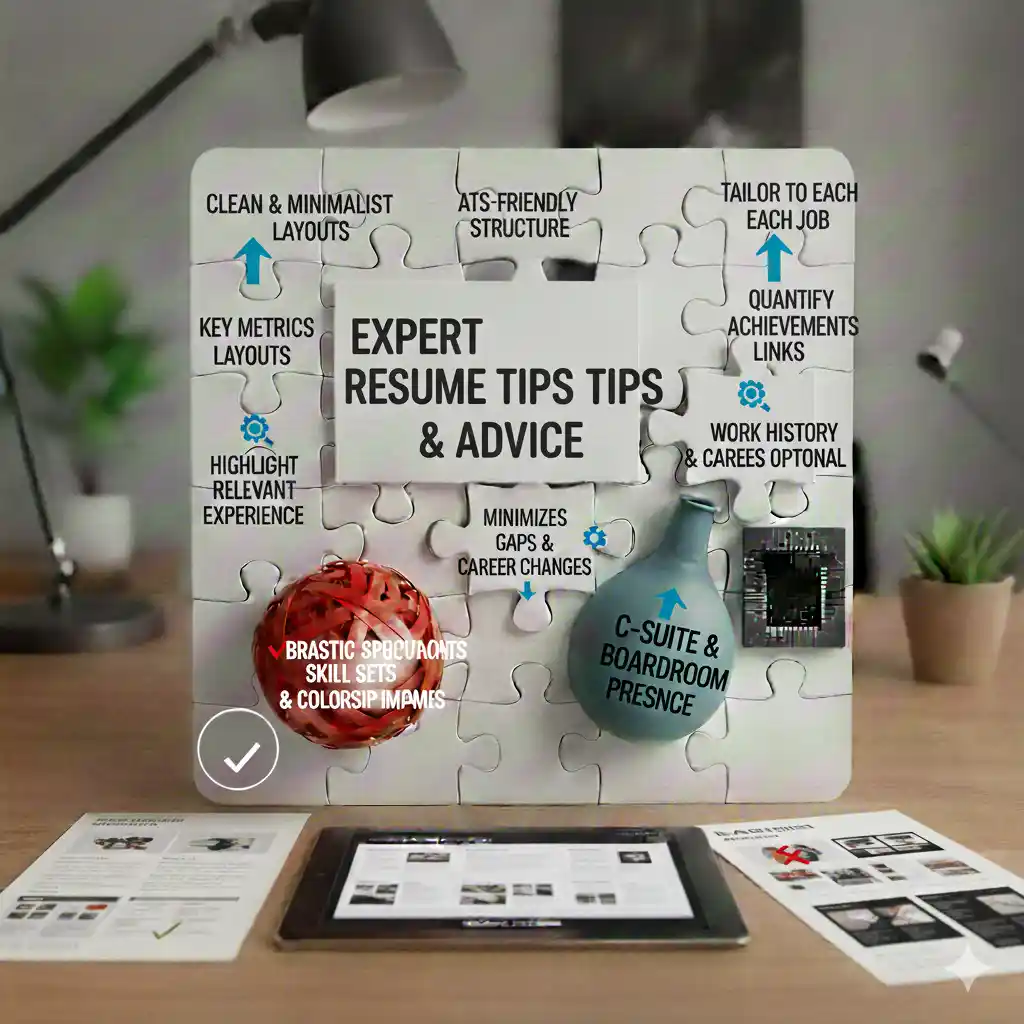
50+ Expert Resume Tips for 2026
Creating an effective resume requires attention to detail, understanding of best practices, and knowledge of current trends. These 50+ expert resume tips will help you create a resume that stands out, passes ATS systems, and gets you interviews.
This comprehensive guide covers everything from formatting to content, ensuring your resume is optimized for success in 2026.
Formatting Tips (1-10)
- Keep It to 1-2 Pages: Entry-level should be 1 page; experienced professionals can use 2 pages.
- Use Professional Fonts: Times New Roman, Arial, or Calibri at 10-12 points.
- Maintain Consistent Formatting: Use the same formatting for similar sections.
- Use Bullet Points: Makes your resume easy to scan quickly.
- Leave Appropriate Margins: 0.5 to 1 inch on all sides.
- Avoid Graphics and Images: They can break ATS systems.
- Use PDF Format: Maintains formatting across devices.
- Keep Line Spacing Consistent: Single or 1.15 spacing throughout.
- Use White Space Effectively: Don't overcrowd your resume.
- Align Text Consistently: Left-align text for easy reading.
Content Tips (11-20)
- Customize for Each Job: Tailor your resume to each position.
- Use Action Verbs: Start bullet points with strong verbs (Managed, Developed, Created).
- Quantify Achievements: Use numbers and metrics whenever possible.
- Focus on Achievements, Not Duties: Show what you accomplished, not just what you did.
- Include Relevant Keywords: Use keywords from the job description.
- Keep It Concise: Remove irrelevant information.
- Use Industry-Specific Terminology: Speak the language of your field.
- Highlight Most Relevant Experience: Emphasize what matters for the role.
- Remove Outdated Information: Don't include irrelevant old jobs.
- Be Honest: Never lie or exaggerate on your resume.
ATS Optimization Tips (21-30)
- Use Standard Section Headings: "Experience," "Education," "Skills" - not creative names.
- Avoid Headers and Footers: ATS systems may not read them.
- Use Simple Formatting: Avoid complex tables and columns.
- Include Keywords Naturally: Don't keyword stuff - use them contextually.
- Use Text-Based PDFs: Ensure PDFs are readable by ATS.
- Include Skills Section: Helps ATS match you to job requirements.
- Use Standard Date Formats: "January 2020 - Present" or "2020 - 2023".
- Avoid Graphics and Charts: ATS systems can't read images.
- Test Your Resume: Copy content to plain text to verify ATS compatibility.
- Keep Formatting Simple: Complex layouts confuse ATS parsers.
Writing Tips (31-40)
- Start with Strong Verbs: Use action verbs at the beginning of bullet points.
- Be Specific: Provide concrete examples rather than vague statements.
- Show Impact: Explain the results of your actions.
- Use Metrics: Include percentages, dollar amounts, and quantities.
- Avoid Passive Voice: Use active voice for stronger impact.
- Remove Clichés: Avoid overused phrases like "team player" without proof.
- Be Concise: Use short, powerful sentences.
- Use Parallel Structure: Keep bullet points consistent in format.
- Proofread Carefully: Check for typos and grammatical errors.
- Get Feedback: Have someone else review your resume.
Section-Specific Tips (41-50)
- Contact Information: Use a professional email address.
- Professional Summary: Keep it to 2-4 sentences, tailored to each role.
- Work Experience: Focus on achievements, use metrics, show progression.
- Education: Include GPA only if 3.5+ on a 4.0 scale.
- Skills Section: Include both technical and soft skills.
- Certifications: Include relevant, current certifications.
- Projects: Highlight relevant projects with measurable outcomes.
- Volunteer Work: Include if relevant to the position.
- Languages: List languages with proficiency levels if relevant.
- References: Don't include - provide when asked.
Bonus Tips (51+)
- Update Regularly: Keep your resume current with recent achievements.
- Save Multiple Versions: Keep different versions for different job types.
- Name Files Professionally: "JohnSmith_Resume_2026.pdf"
- Match Your Cover Letter: Ensure consistency between resume and cover letter.
- Research the Company: Tailor your resume to company values and needs.
- Use LinkedIn: Ensure your LinkedIn profile matches your resume.
- Keep It Updated: Add new skills, achievements, and experiences regularly.
Common Mistakes to Avoid
- ❌ Typos and grammatical errors
- ❌ Using unprofessional email addresses
- ❌ Including irrelevant information
- ❌ Making it too long or too short
- ❌ Using passive voice
- ❌ Focusing on duties instead of achievements
- ❌ Not customizing for each application
- ❌ Including personal information (age, photo, etc.)
Using Our Free Resume Builder
Our free resume builder incorporates these best practices:
- ✅ ATS-Optimized Templates: Designed to pass applicant tracking systems
- ✅ Guided Sections: Help organizing your information
- ✅ Best Practice Prompts: Suggestions for each section
- ✅ Professional Designs: Modern, clean templates
- ✅ Free to Use: No credit card required
Conclusion
Following these expert resume tips will help you create a resume that stands out, passes ATS systems, and gets you interviews. Focus on clarity, relevance, and achievements. Use our free resume builder to implement these best practices easily.
Ready to improve your resume? Browse our free resume templates and apply these tips today. No credit card required.
For more resume writing tips, visit our career blog.